
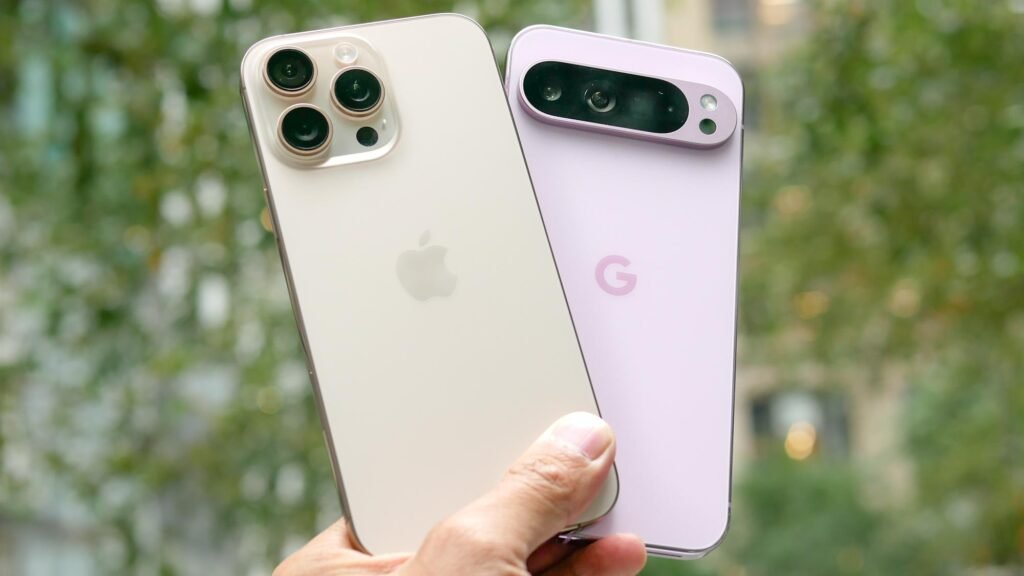
After spending more than a decade inside the Apple ecosystem, I made the switch to Android. Specifically, I moved from iPhone to the Google Pixel 9 Pro.
Two months in, I have strong opinions. Some things are genuinely better. A few things surprised me. And there is one area where I am clearly disappointed.
If you are thinking about leaving iPhone for Pixel, this breakdown will help you decide.
Google Pixel 9 Pro Hardware vs iPhone
Fingerprint Scanner vs Face ID
One of my biggest frustrations with iPhone over the years was losing Touch ID. While Apple Face ID works well, it is not always convenient.
The Pixel 9 Pro gives you both face unlock and a fingerprint scanner. That combination matters. If face unlock fails, you can instantly use your thumb. For banking apps and quick unlocks, I find this faster and more reliable.
This alone made the transition easier.
Premium Design and Display Quality
The Pixel 9 Pro feels premium. The build quality is excellent and comparable to modern iPhones. There are no regrets in terms of how it looks or feels.
The display stands out:
- High refresh rate for smooth scrolling
- Excellent brightness outdoors
- Easy visibility even in direct sunlight
I have not experienced overheating issues. Even during extended use, the phone stays within normal thermal limits.
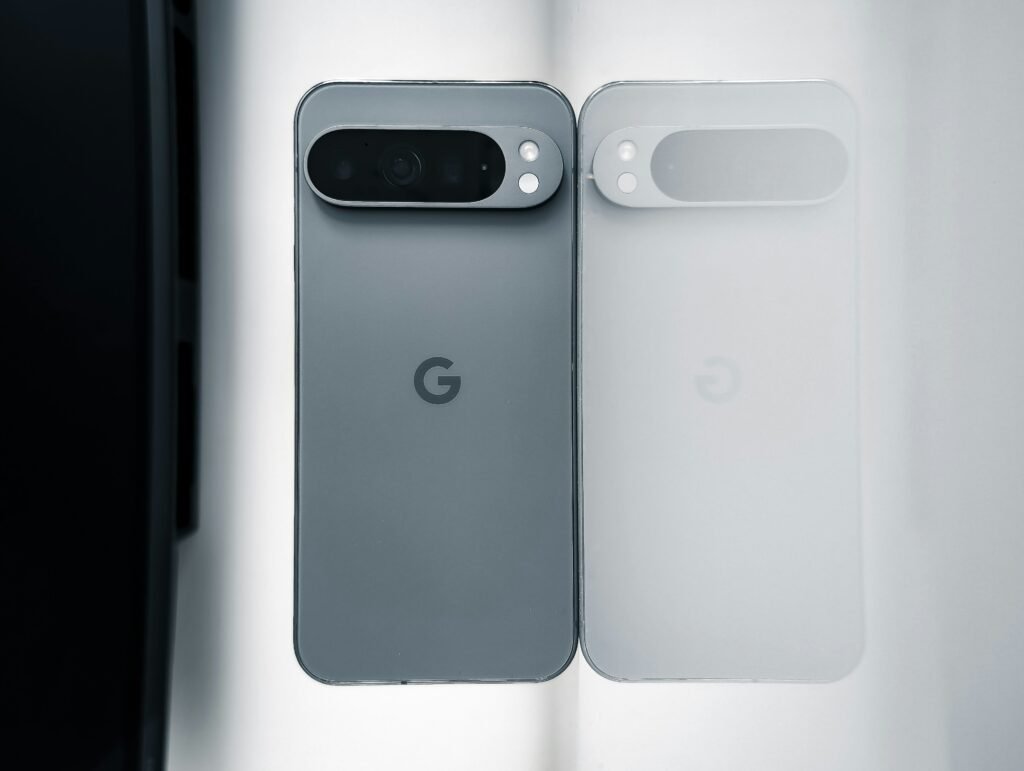
Pixel 9 Pro Camera: Great for Photos, Mixed for Video
One of the main reasons people choose Pixel devices is the camera. The Pixel 9 Pro delivers strong photo performance.
Photo Performance
- RAW photo support
- Excellent computational photography
- Natural color science
- Strong dynamic range
Shooting in RAW has actually pulled me back into photography. The image quality is impressive and competitive with iPhone Pro models.
However, there is a performance issue when shooting RAW. The shutter response can lag slightly, and previewing RAW images takes a few seconds to fully load. It is not a dealbreaker, but it slows down the workflow.
Video Performance
This is where I was less impressed.
While video quality is solid, it does not feel industry-leading. Compared to recent iPhone Pro models like the iPhone 16 Pro, Pixel video lacks the same punch and color consistency.
It works. It is usable. But if you prioritize professional-level smartphone video, iPhone still has the edge.
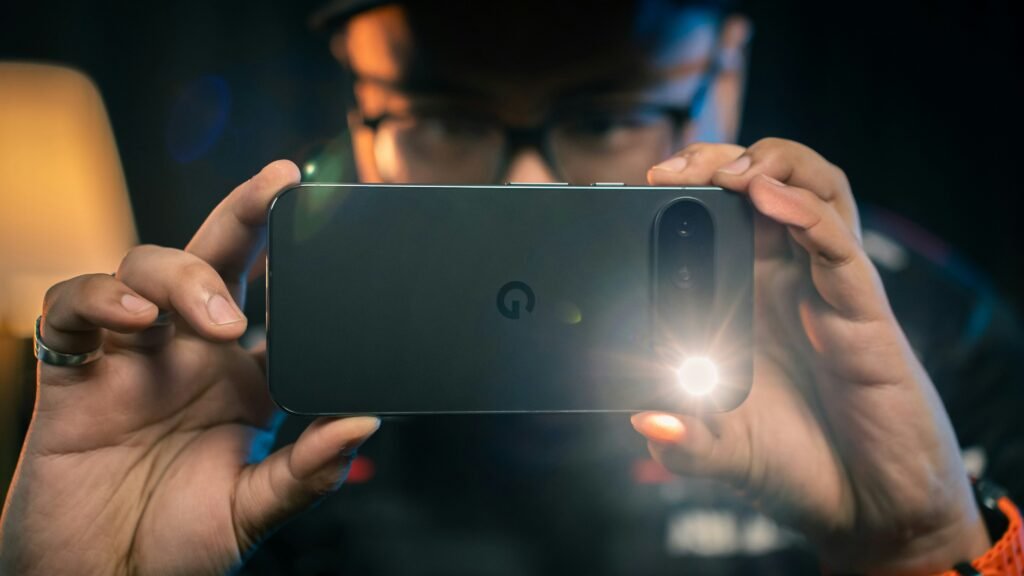
Pixel 9 Pro Performance and Chipset
There has been debate around Google’s Tensor chips. For everyday tasks like messaging, browsing, and social media, performance is smooth and fast.
The only slowdown I noticed was during heavy camera processing, particularly with RAW images. Outside of that use case, I experienced no major performance concerns.
I purchased the phone at a discount, making it significantly cheaper than a new iPhone 16 Pro. At that price, the value proposition is excellent.
Android vs iOS: The Real Difference
The biggest shift was not hardware. It was the operating system.
Notifications Are Better on Android
Android notifications are more organized and intuitive than iOS. After two months, I genuinely prefer them.
There are no intrusive red badge counts everywhere. Instead, you get subtle notification indicators that feel less distracting. The overall experience feels more controlled and less attention-demanding.
Google Gemini vs Apple Intelligence
AI played a big role in my switch.
Google Gemini feels significantly more capable right now than Apple Intelligence. Holding the power button gives near ChatGPT-level responses instantly.
Apple’s AI efforts feel behind at the moment. That could change in the future, but today, Google is ahead.
Small Android Features That Make a Big Difference
Several subtle features improve day-to-day usability:
- Number row visible when typing passwords
- Automatic song recognition with Now Playing
- One-tap copy for two-factor authentication codes
- Charging time and battery depletion estimates
- Tap-to-pay without manually opening wallet
- Built-in call screening and spam blocking
These are small details, but they create a more intelligent experience overall.
iMessage and AirDrop: Did I Miss Them?
Before switching, I thought losing iMessage would be painful. It was not.
Google Messages works well. The only inconvenience is limited RCS support in some regions, which affects group chats with iPhone users.
AirDrop was harder to replace. While alternatives exist, they are not as seamless as Apple AirDrop. Transferring large RAW files between Mac and Pixel is more cumbersome.
Still, it has not been as disruptive as I expected.
Leaving the Apple Ecosystem
The biggest challenge was not the phone. It was the smartwatch.
I moved from Apple Watch to the Google Pixel Watch 3. My experience has been mixed.
Issues I encountered:
- Inconsistent heart rate tracking during workouts
- Irregular sleep stage tracking
- Limited in-person support compared to Apple Stores
Health tracking matters to me, and this is where Apple still feels more polished.
I have explored alternatives like Garmin devices and other wearables. Android has options, but the ecosystem feels less unified than Apple’s.
Final Verdict: Is Switching to Pixel Worth It?
After two months with the Google Pixel 9 Pro, I am not switching back.
The phone delivers:
- Excellent photos
- Strong AI integration
- Better notification management
- Competitive hardware quality
- Great value if purchased on sale
It is not dramatically better than iPhone. It is not dramatically worse either. But Android has matured significantly, and the Pixel 9 Pro offers a fresh experience without major compromises.
If you are bored with iPhone and curious about Android, this is a safe and compelling device to try.
Switching ecosystems is not as painful as it used to be. And for me, the move has been worth it.